Students
For exercises in signals, spectra, filters and modulation with a documented experimental workflow.
Research & Science
Make signals visible. Keep experiments traceable.
Guided experiment sets, signal capture, frequency analysis and documented comparisons – for audio, magnetic fields and radio with suitable hardware.
In development
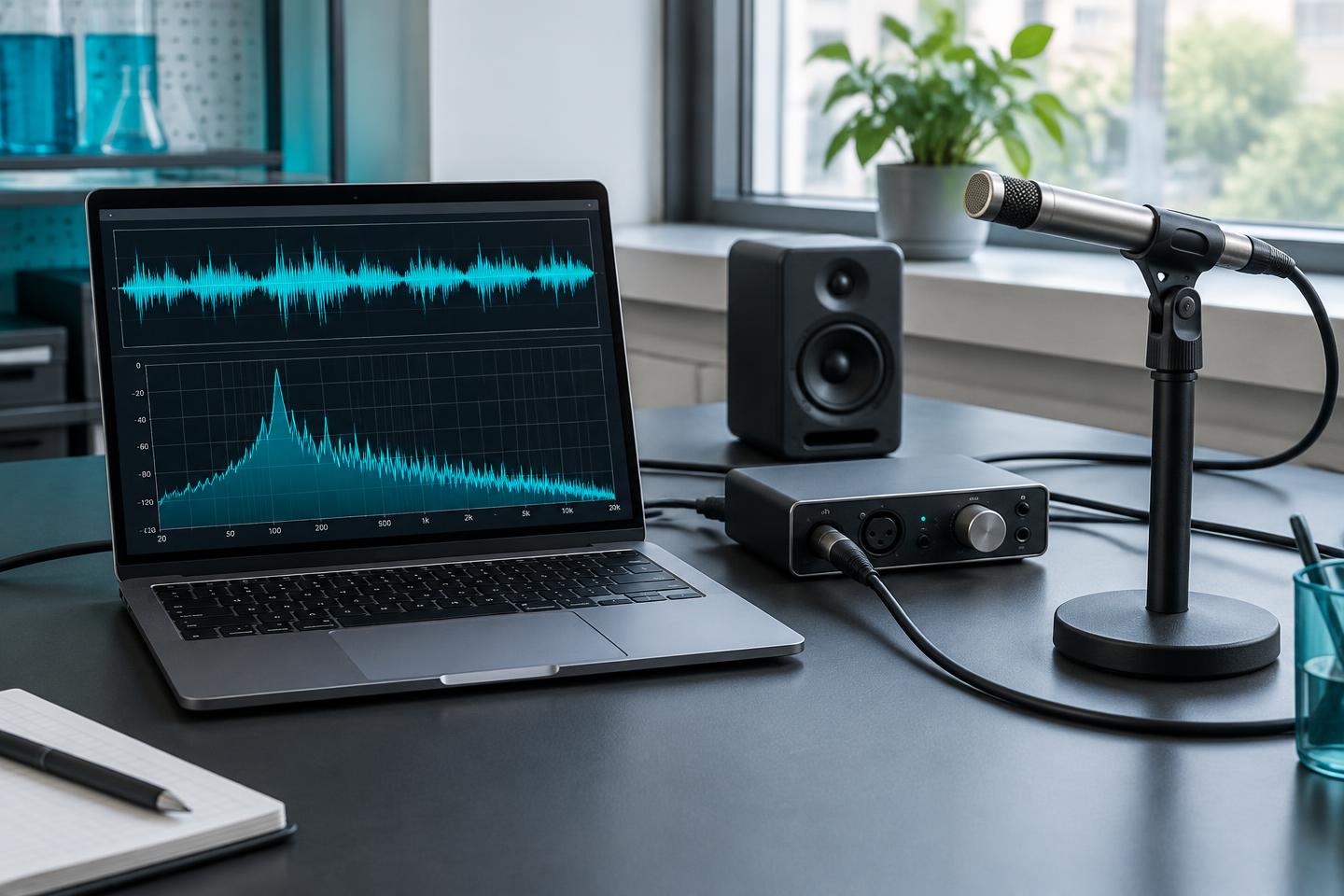
KAI-generated thematic image – not an app screen or a measurement result.
Who it's for
Students, educators, laboratory groups and technically curious experimenters
A spectrum alone does not explain an experiment. Which source was recorded, with what hardware and analysis settings? Kraken Analyzer connects measurement with documentation: from a prepared set through repetitions and evaluation to an exportable experiment package. Simulations and real recordings remain explicitly separate.
Explore, investigate and understand – with clear sources and limitations.
KAI-generated thematic imagery – not app screens or measurement results. Features reflect development; production and hardware acceptance are unconfirmed.
For exercises in signals, spectra, filters and modulation with a documented experimental workflow.
For prepared sets, repeatable steps and joint interpretation of results.
For experiments with audio interfaces, coils or suitable SDR equipment, respecting each setup's limits.
Objective, setup, data provenance and analysis form one connected experiment.
Simulations support learning; live recordings require real, checked sources and hardware.
Set packages, protocols and comparisons facilitate discussion beyond your own screen.
Each set describes the learning objective, required components, references and repetitions.
Device profiles and frequency response document what your specific setup delivers rather than treating lab specifications as device performance.
Source, analysis parameters and results stay connected, so the origin of a spectrum remains traceable.
Multiple runs reveal variations. Comparisons highlight differing conditions without changing original data.
Real screens. Tap to enlarge.
Choose a set, check adapter and levels, record references and retain the analysis settings in the protocol.
Import packages from the same set and investigate differences in source, device profile or analysis conditions.