Marketing & agencies
Keep image ideas, presentations and media drafts together in a project instead of switching between disconnected tools.

Business & Communication
One idea. Six media. Your creative studio.
Your private creative dialogue for images, graphics, logos, video, audio, music, PDFs and presentations – with starting points, saved chats and a media library.
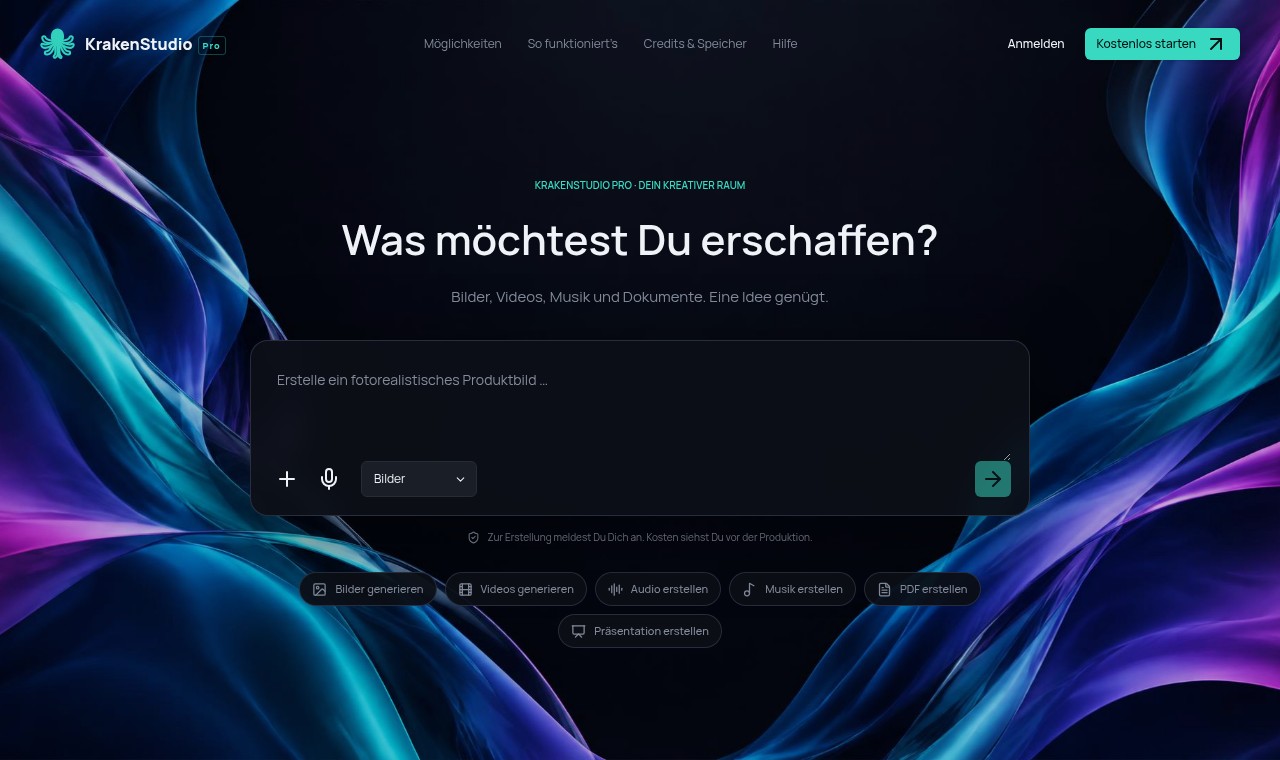
Current original interface · isolated capture, German UI, no private records.
Who it's for
Creatives, marketing teams, agencies, businesses and people with an idea for digital content
An image in one tool, copy in another, presentations somewhere in a shared folder: content often lacks a common context. KrakenStudio Pro brings ideas, media and documents together in projects, keeping drafts, results and exports connected.
Media, documents and organisation – with transparent product status.
KAI-generated thematic imagery. Original app screens appear below.
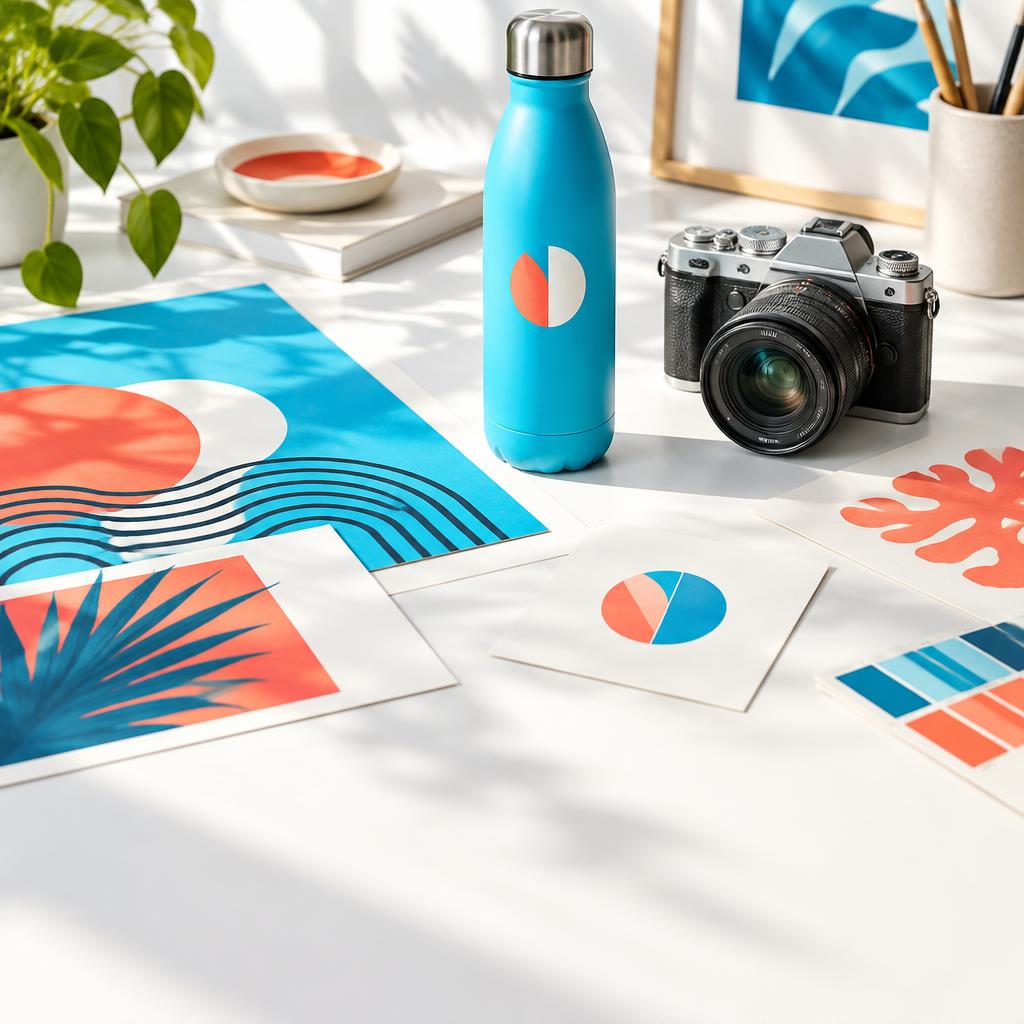
Photorealism, product photos and mockup starting points
Images, graphics & logos
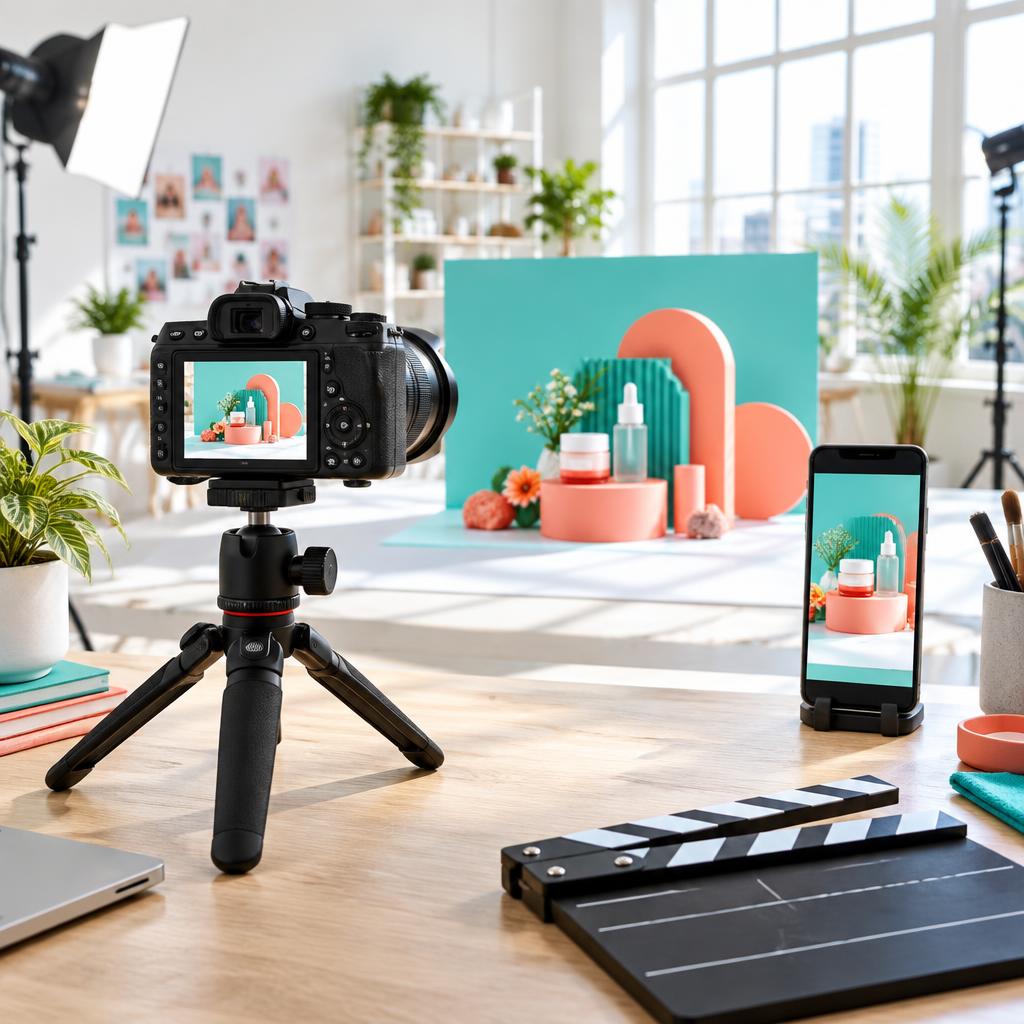
Product teasers, film scenes and vertical reels
Video & social media
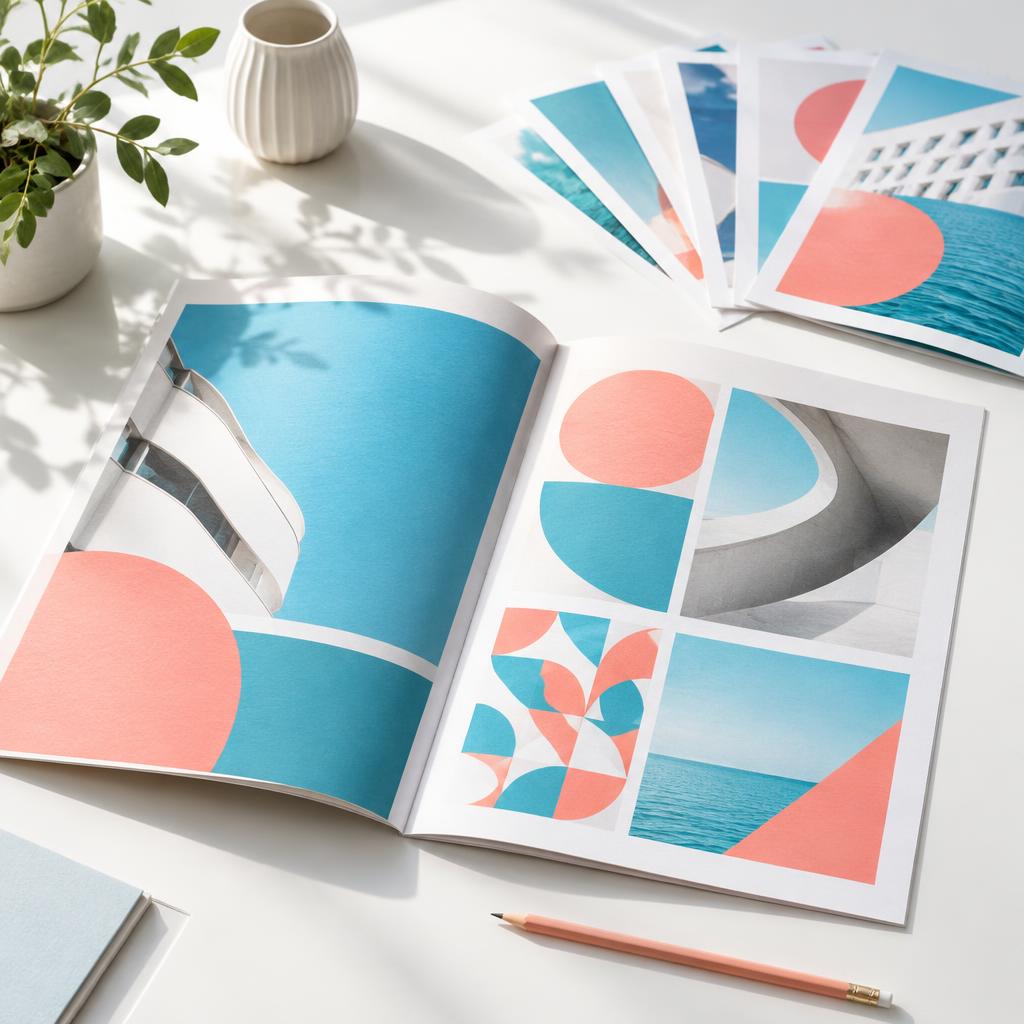
Brochures, reports, information sheets and offers
PDF & presentations

Describe an idea and retain a draft before signing in
Your creative conversation

Voice scripts, jingles and instrumental starting points
Audio, music & media library
Keep image ideas, presentations and media drafts together in a project instead of switching between disconnected tools.
Organise documents, brand styles and results clearly. One workspace connects creation with storage.
Start with a description, choose the right medium and continue working from a draft.
Ideas, projects, media and documents stay in one workspace rather than scattered folders.
Six media types connect visual content, sound and editable documents in one studio.
Creation credits and storage are separate. Saved KAI conversations and document exports were tested in the app project; media production and public prices still require separate release.
Select a medium and starting point, describe an idea and deliberately transfer it into your own chat after signing in. Transfer itself does not start paid production.
Product photos, logos, app icons, social-media images, reels, voice scripts and music have dedicated starting points. Reference-based media production remains blocked in the current state.
Develop brochures, reports and presentations as editable pages. PDF and PowerPoint downloads were tested in the app project; full multimedia acceptance is outstanding.
Saved chats with history, search and renaming complement projects with revisions, duplicates and archiving. Organise and download files in the private media library.
Real screens. Tap to enlarge.
Structure an idea into pages with titles, text and notes, then share it as PDF or PowerPoint.
Select a medium, refine the description and use templates as starting points. The current public view shows the idea entry and concrete starting points, not a private customer result.
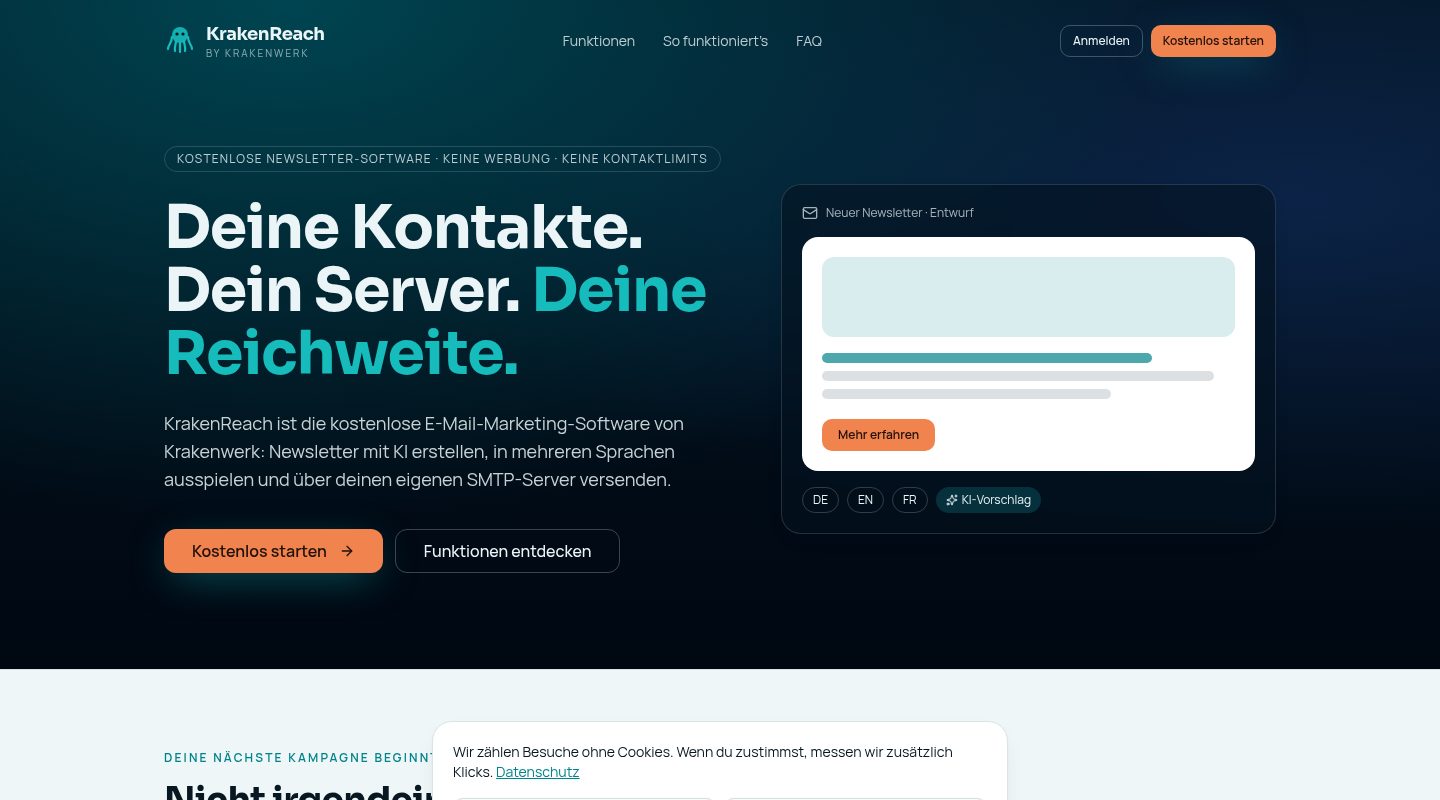 BusinessFreeKrakenReachNewsletters through your own server. No platform subscription.For Clubs, companies and organisations that communicate regularly See what's insideBusiness & CommunicationKrakenReachFreeWhat you getOrganise contactsManage recipients clearly and assemble them specifically for campaigns.Design templatesReusable templates make every issue look like your organisation.Plan campaignsFrom draft to dispatch: prepare campaigns and send them deliberately.Communicate in several languagesIf your audience speaks several languages, your communication can be organised accordingly.Learn more
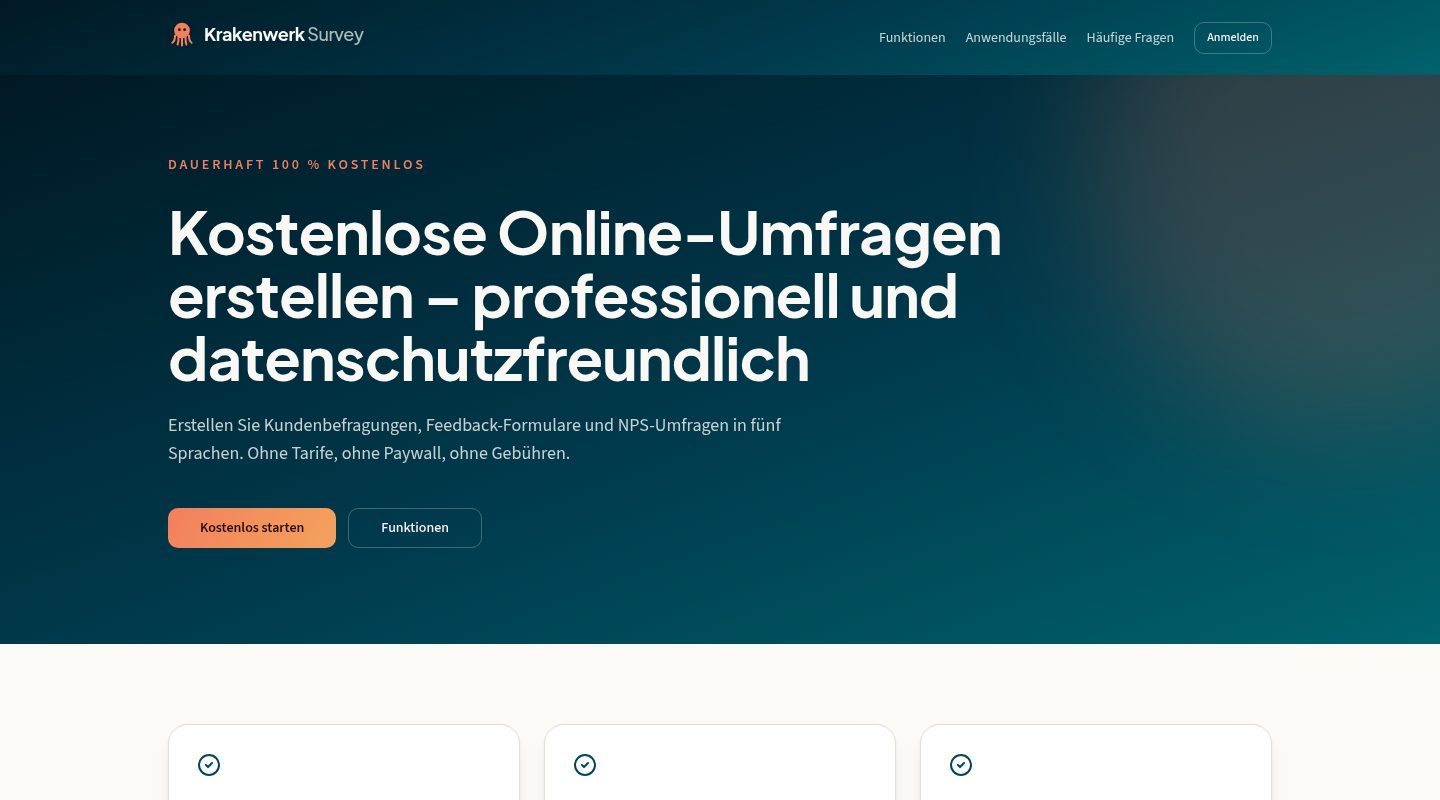 BusinessFreeKraken SurveyAsk questions. Understand answers.For Organisations, teams and their audiences See what's insideBusiness & CommunicationKraken SurveyFreeWhat you getDesign surveysPut questions together and structure the survey so people are happy to answer to the end.Reach participantsTake the survey to where your audience is.Evaluate in a structured wayAnswers summarised clearly instead of scattered across spreadsheets.Built for organisationsSurveys belong to the organisation, not to a single person – so results stay findable.Learn more